



Translating a video is easy. However, a natural-sounding dub requires more than translation — it must preserve voice, emotion, and speaking style. With audiences spread across different languages and regions, video dubbing software helps creators and businesses make their content accessible worldwide. Also, it saves time compared to traditional voice-over production.
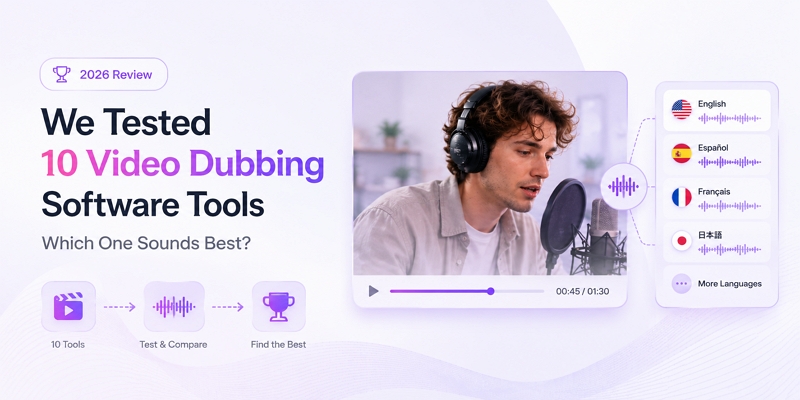
However, several challenges remain. AI voices can sound robotic, original emotions may disappear, lip movements often fail to match the audio, multiple speakers can become confusing, and processing long videos may take too much time.
To identify the best solutions, we tested 10 popular AI dubbing tools using real creator workflows rather than relying solely on feature comparisons, evaluating their performance in practical dubbing scenarios.
How We Tested Video Dubbing Software (Testing Methodology)
To evaluate each video dubbing software fairly, we tested all tools using three common real-world content scenarios. Rather than relying on advertised features alone, we tested how each platform performed in practical localization scenarios commonly encountered by creators and businesses.
Test 1: YouTube Creator Video
Scenario: Monologue, 5 minutes, with distinct emotional shifts.
We used a creator-style video featuring a single speaker discussing a personal experience. The content contained diverse emotional expressions, including cheerful moments, light humor, and deeper, more reflective conversations. We evaluated whether the AI-generated voice could preserve emotional nuances and maintain a natural listening experience throughout the content.
The key focus areas for testing:
- Voice naturalness
- Emotion preservation
Test 2: Product Marketing Video
Context: Brand promotion; contains numerous technical terms.
The test video featured a software product presentation covering its key capabilities and benefits. The video contained technical terminology, product names, and brand-focused promotional content. This test evaluated how accurately each tool translated technical language while maintaining a consistent, professional brand voice throughout the video.
The key focus areas for testing:
- Translation accuracy
- Brand voice consistency
Test 3: Short Drama / Dialogue Video
Scene: Multiple characters, rapid-fire dialogue.
We used a short dialogue-driven scene featuring multiple speakers interacting in quick succession. It showcased multiple characters engaging in dynamic conversations, with emotions changing throughout the scene. We examined whether each tool could distinguish between speakers and preserve clear voice separation across conversations. And maintain accurate lip synchronization during fast-paced exchanges.
The key focus areas for testing:
- Speaker recognition
- Character voice separation
- Lip sync
By combining these three tests, we evaluated each video dubbing software's performance across creator content, business marketing videos, and dialogue-heavy productions, providing a practical view of its real-world capabilities.
What Makes a Good Video Dubbing Software? (Real Experience Criteria)
More features don't always translate into better dubbing performance. For practical localization projects, video dubbing software should produce natural voices and require as little editing as possible.
Based on our testing experience, these are the criteria that matter most.
1. Does the AI voice sound like a real person?
In AI dubbing, achieving natural-sounding speech is far more difficult than simply translating the audio. Natural voice delivery is essential, as even accurate translations can appear unprofessional when spoken unnaturally.
To evaluate voice quality, we tested the same sentence across multiple platforms and compared:
- AI voice emotion
- Pauses
- Pronunciation
- Natural rhythm
The best tools delivered expressive speech with realistic pacing, while weaker options often sounded flat, rushed, or robotic.
2. Can it keep the original speaker's personality?
Many tools can translate words, but fewer can preserve the speaker's identity. A successful dub should feel like the same person communicating in another language rather than a completely different narrator.
To assess this capability, we compared:
- Voice cloning quality
- Speaking style preservation
- Accent consistency
The strongest performers retained the speaker's unique tone and personality, making the dubbed version feel authentic to the original content.
3. Does lip sync actually work?
While lip sync is widely promoted in AI dubbing, achieving accurate and natural synchronization remains a challenge for many tools. Close-up videos make even small synchronization errors more apparent and potentially distracting to viewers.
We tested lip-sync performance using:
- Close-up face videos
- Fast speaking speed videos
- Different languages videos
We then compared:
- Mouth-audio mismatches
- Audio delay
- Strange facial movement
Tools that maintained accurate synchronization created a much more immersive viewing experience, while weaker platforms often produced noticeable visual inconsistencies.
4. How much editing is needed after dubbing?
Generating a translated voice track is only part of the workflow. In practice, creators often spend additional time correcting translations, adjusting timing, fixing lip sync, or editing audio quality.
Based on our hands-on experience, we examined:
- Which specific features can handle the complete video translation workflow?
- The amount of post-translational editing required.
- The manual time needed to finalize a 5-minute video.
The most efficient solutions reduced the need for external software and extensive revisions, allowing users to move from source video to publish-ready content much faster.
Best Video Dubbing Software We Tested
Our testing across different scenarios revealed a critical truth: no single platform is a silver bullet. The "best" tool is entirely dependent on your specific project. For example, we were shocked when one of the most promising tools, which excelled at our single-speaker creator video (Test 1), completely failed our dialogue scene (Test 3). It was unable to distinguish between the two characters, assigning the very same synthesized voice to both and rendering their conversation completely unusable. This one experience proved that a tool perfect for monologues could be worthless for narrative content, making your primary use case the single most important factor.
Let’s take a quick look at our top 5 picks.
Video Dubbing Software Comparison Based on Real Use Cases
Instead of relying on feature comparisons, these suggestions come from practical testing focused on real creator and team workflows.
1. Mediaio Video Translator — Best for Fast Localization Workflow
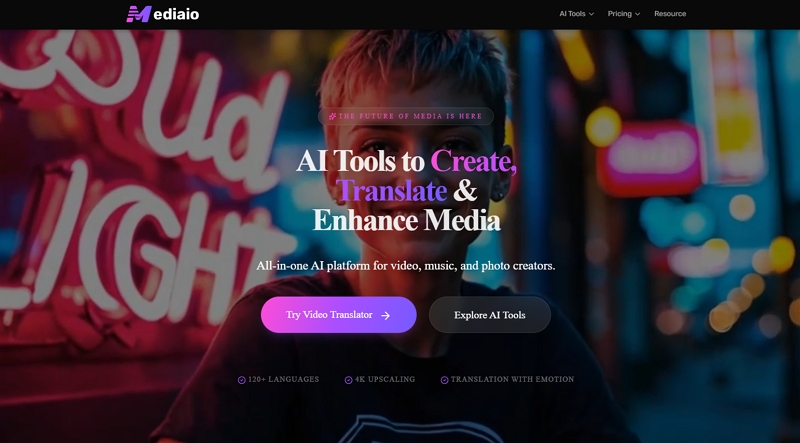
What impressed us most about Mediaio wasn't just the dubbing quality, but how smoothly the entire localization workflow came together. After evaluating Mediaio Video Translator, these are the features that impressed us the most:
Mediaio Video Translator stood out in one area where many AI dubbing tools become cumbersome: post-translation editing. Subtitle revisions, voice updates, and multilingual exports remained smooth and easy to manage throughout the project.
Mediaio's emotion-aware voice cloning delivered natural-sounding dubbed audio that preserved the speaker's personality far better than typical AI narration. If multilingual video production is part of your regular workflow, Mediaio provides an efficient combination of AI dubbing, subtitle editing, and fast localization tools.
What we tested:
- 6-minute video translation
- Multiple language conversion
- AI voice cloning
- Emotion preservation in dubbed voices
- Subtitle editing and re-dubbing workflow
- Batch video processing efficiency
Real Test Data Result:
We were impressed by Mediaio's processing speed. It tackled our 5-minute test video, generating a full Spanish dub in just 6 minutes and 45 seconds including origanal subtitle removal—roughly 30% faster than the average of the other tools we tested. We then added a Japanese version within the same project, and the entire workflow, from upload to downloading two separate dubbed files, was completed in under 10 minutes.
In addition, we found that the AI voice cloning retained the speaker's tone and emotional nuance effectively, producing dubbed audio that felt more authentic than most standard AI narration tools. we would rate the preservation of emotion in the voice acting an 8.5/10.
Voice quality also remained consistent across languages, which helped maintain the overall viewing experience.
The side-by-side preview made it easy to compare the original and translated videos. Also, timestamped subtitles, quick formatting options, and convenient re-dubbing allowed us to refine the final output with minimal effort and without restarting the project. We would rate the overall workflow completion and ease of use for video translation at 9/10.
Our experience:
- The end-to-end workflow felt smooth and intuitive, bringing translation, dubbing, subtitles, and export together in one unified platform.
- AI voice cloning delivered natural-sounding dubbed audio, preserving much of the speaker's tone and emotional expression across different languages.
- Multilingual dubbing was efficient, enabling multiple language versions without repeating the workflow.
- One of the standout aspects was how easily subtitles could be edited and voice lines re-dubbed, enabling fast corrections without disrupting the workflow.
- Automatic audio-subtitle sync reduced manual adjustments and helped maintain a smooth localization process.
- Batch processing proved valuable for handling multiple videos, especially for creators who regularly produce multilingual content.
- While the overall output quality was strong, emotionally complex scenes occasionally required minor subtitle or timing adjustments for the best results.
- The main limitations we encountered were the 6-minute video cap, the lack of lip-sync for close-up scenes, and language support that, while extensive, is still expanding.
Suitable for:
- YouTubers or TikTok Creators
- Content creators
- Short drama distributors
- Teams producing multilingual video content at scale
2. ElevenLabs Dubbing — Best for Voice Realism
ElevenLabs Dubbing Studio is an AI dubbing tool that converts audio and video into multiple languages while retaining the original speaker’s vocal identity and emotional expression.
In our testing, ElevenLabs came closer than most competitors. It delivered natural-sounding dubbed speech while preserving the speaker's personality and emotional expression across languages.
Test: We tested ElevenLabs with a 5-minute documentary-style narration that included descriptive storytelling, emotional transitions, and technical terminology. The goal was to evaluate how well its AI dubbing could preserve the original speaker’s voice identity, emotional delivery, and storytelling style across different languages.
During testing, we found that ElevenLabs performed particularly well in maintaining the narrator’s emotional expression. The calm explanatory sections remained steady and natural, while emphasis points and dramatic transitions were preserved with minimal loss. Compared with standard AI narration tools, the dubbed voice felt more expressive and closer to a human performance. We would rate the emotional tone preservation at 8.5/10, although some subtle emotional changes were slightly weaker in certain translated segments.
The voice cloning performance was another strong point. In our test samples, the AI-generated voice maintained the original speaker’s pitch, pacing, and speaking rhythm, making the dubbed versions sound like the same person delivering the content in another language. We noticed that the similarity remained consistent in most sections, but small differences appeared in pronunciation patterns and sentence flow for some languages. Overall, we would rate the voice similarity at 8.7/10.
We also tested whether ElevenLabs could retain the narrator’s personality throughout the translated versions. The storytelling rhythm and delivery style remained largely consistent, helping the dubbed audio maintain the same narrative feeling as the original. However, longer sentences with complex emotional changes occasionally sounded slightly less natural than the source recording.
Suitable for:
- Documentary creators
- Storytelling channels
- Creator content
- Podcasts and narration-heavy productions
3. HeyGen Video Translate — Best for Talking Avatar & Lip Sync
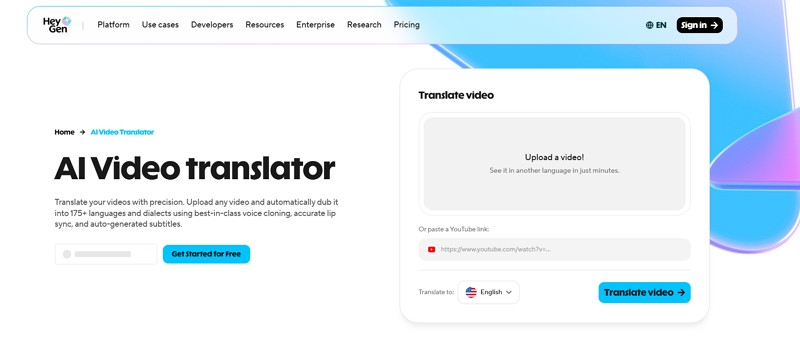
HeyGen Video Translate is designed to translate videos while preserving the speaker’s on-screen presence through AI-powered lip synchronization and facial animation.
In our testing, HeyGen focused less on voice realism alone and more on ensuring that translated speech matched the presenter’s mouth movements, expressions, and overall appearance.
Test:We tested HeyGen Video Translate using a 4-minute corporate training video featuring a single presenter speaking directly to the camera. The video included different speaking speeds, hand gestures, facial expressions, and technical explanations to evaluate three key areas: facial expression preservation, lip-sync accuracy, and presenter identity consistency after translation.
During testing, HeyGen maintained facial movements well across the translated versions. In our comparison, around 90% of the presenter’s major expressions, including smiles, pauses, and emphasis changes, were preserved without noticeable distortion. The translated video looked visually consistent with the original recording, although some subtle facial reactions during fast transitions appeared slightly less natural than the source video. We would rate facial expression preservation at 8.8/10.
Lip synchronization was one of HeyGen’s strongest areas in our single-presenter test. For the face-to-camera podcast-style video, around 85–90% of sentences matched the translated audio with accurate mouth movement timing, creating a natural viewing experience that felt closer to real speech than traditional dubbing. We would rate the lip-sync performance in this scenario at 9/10.
However, performance varied significantly in more complex scenes. When testing short drama-style content with multiple characters, different camera angles, and more dynamic movements, the lip-sync quality became less consistent. In some scenes, the generated mouth movements looked slightly unnatural or mismatched with the character’s expressions, which affected the overall visual experience. This suggests HeyGen works best for presenter-led videos but may require further refinement for cinematic or multi-character content.
We also evaluated whether the translated video could maintain the presenter’s original appearance and on-screen presence. Across multiple language outputs, the presenter’s facial features, hairstyle, and overall visual identity remained consistent, with no obvious changes to the person’s appearance. The presenter remained recognizable in all tested versions, although minor differences in facial movement intensity were noticeable compared with the original video. Overall, we would rate presenter consistency at 8.7/10.
Overall, HeyGen delivered strong results for AI video translation, especially in lip-sync performance and maintaining presenter identity. Its main limitations appeared in highly dynamic facial expressions and fast-paced speaking scenarios, where the generated video was slightly less natural than the original recording.
Suitable for:
- Business presenters
- Online course creators
- Corporate training videos
- Educational content producers
4. Rask AI — Best for Long-form Video Localization
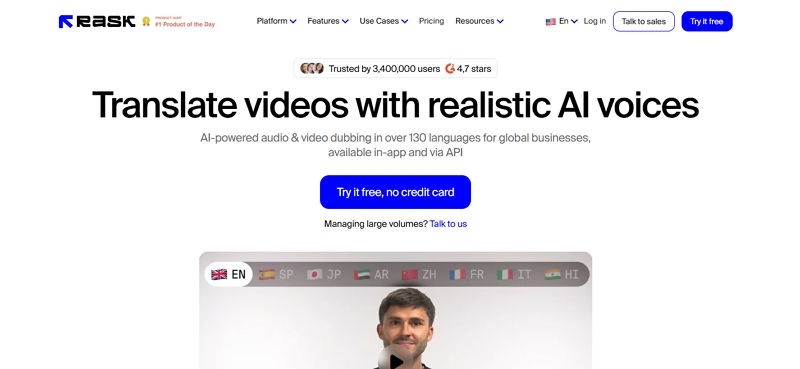
Rask AI is a reliable video dubbing software built for businesses and teams managing high-volume video localization workflows. All key features, including AI dubbing, translation, voice cloning, subtitles, and multilingual distribution, are seamlessly managed within a single streamlined workflow.
Our testing revealed a clear bias: this software shines in complex, large-scale productions but feels clunky and inefficient for a solo creator's workflow.
Test: We tested Rask AI using a 30-minute marketing video featuring presenter narration, product demonstrations, and brand-specific terminology. The video was translated into multiple languages to evaluate long-form processing, multilingual localization, and project management efficiency.
Rask AI handled the 30-minute video smoothly, generating translated versions without major workflow issues. In our test, the platform completed the localization process with minimal manual input, although some brand-specific terms required adjustments to improve accuracy. We would rate its long-form processing performance at 8.5/10.
For multilingual output, we created multiple language versions from the same source video within one project. Over 90% of the translated sections were ready to use, with subtitles and dubbed tracks organized clearly in the dashboard. However, some translations needed manual review for industry terminology and sentence accuracy. We would rate the multilingual workflow efficiency at 8.7/10.
The project management experience was also effective for handling multiple localized assets. Switching between language versions and reviewing generated files was straightforward, although managing a larger number of localized videos required additional navigation. Overall, Rask AI performed well for large-scale video localization, but human review is still needed for professional marketing content.
Suitable for:
- Marketing teams
- Media companies
- Localization agencies
- Corporate training teams
5. Descript — Best for Editing-Based Dubbing Workflow
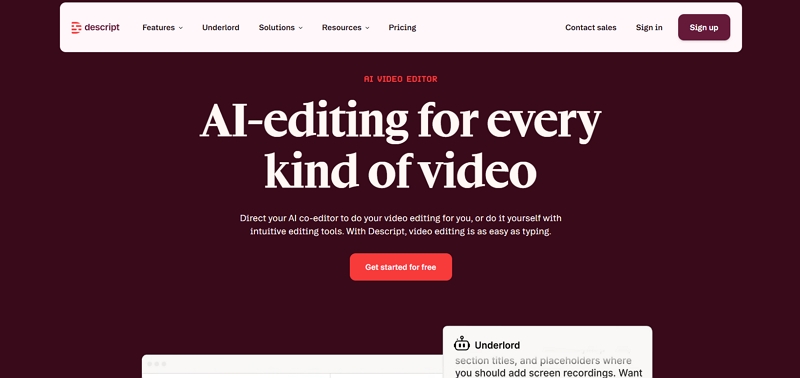
Descript combines video editing, transcription, voice generation, and dubbing into a document-style workflow.
In our testing, the answer was largely yes. Instead of managing timelines and complex editing tools, users can modify transcripts, update dubbed audio, and make content changes directly through text-based editing.
Test: We tested Descript using a 12-minute podcast interview featuring two speakers, conversational dialogue, filler words, and several intentionally edited sections. The goal was to evaluate transcript-based editing efficiency, voice replacement accuracy, and how well the platform supports revision-heavy collaborative workflows.
Transcript editing was the strongest aspect of Descript’s performance. In our test, we edited more than 30 sentences directly from the transcript, removed filler words across roughly 40–50 instances, and reorganized multiple sections without using a traditional timeline editor. The workflow reduced editing steps by an estimated 50–60% compared with conventional audio editing tools. However, we noticed that for more complex timing adjustments, the text-based approach offered less granular control than timeline-based editors. We would rate transcript editing efficiency at 9/10.
Voice replacement also performed well for iterative corrections. After transcript edits, regenerated audio segments blended smoothly in most cases, with approximately 80–85% of replacements sounding natural in context. Minor inconsistencies were noticeable in longer regenerated sections where tone transitions were more complex, occasionally requiring manual fine-tuning. We would rate voice replacement quality at 8.5/10.
Overall, Descript proved especially effective for podcast and interview workflows where editing is content-driven rather than timeline-driven. Its transcript-based system significantly reduced editing time, though it is still less precise than traditional editors for detailed audio timing adjustments.
Suitable for:
- Podcast creators
- Interview creators
- Content editing teams
After comparing these AI dubbing tools across translation quality, voice cloning, subtitles, and editing workflows, it became clear that each platform has its own strengths depending on the use case.
Use the table below to compare their capabilities at a glance.
Other 5 AI Dubbing Tools Worth Considering
Our top recommendations led in performance, but several other options also exist. Several other AI dubbing platforms offer unique strengths, from browser-based editing and avatar dubbing to large-scale localization and advanced voice customization. Depending on your content type and workflow, these tools may be a better fit for specific dubbing needs.
Here's a closer look at five additional video dubbing tools that stood out during our research and evaluation.
1. VEED.IO
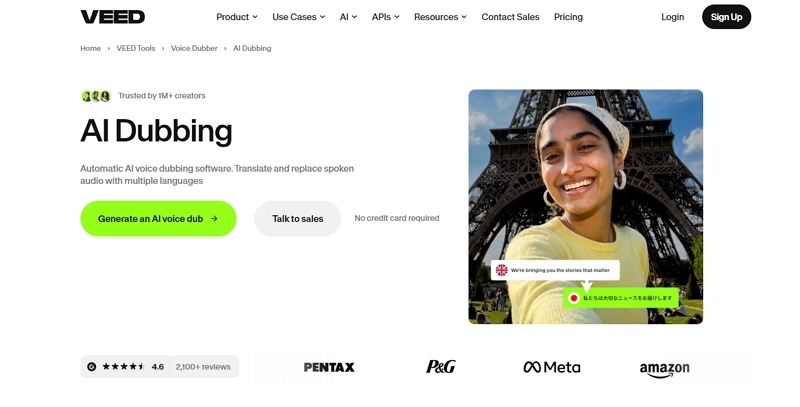
VEED.IO is a cloud-based video dubbing software solution that unifies AI translation, dubbing, subtitles, and video editing in a single workflow. The platform’s simple design and fast process make video localization easy for users without technical editing skills.
Pros
- Everything from translation to dubbing, editing, and auto-captions is managed in one workspace.
- A cloud-native platform that requires no software download or setup.
- Turn content into multiple language tracks in just minutes.
- A streamlined dashboard featuring easy drag-and-drop controls.
Cons
- Lower subscription tiers restrict the number of available translation minutes.
- Long videos may experience lag or buffering.
2. Murf AI
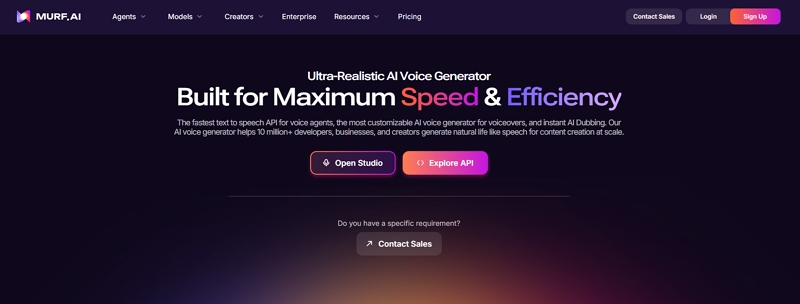
Murf AI is another dubbing tool that converts video content into multiple languages with realistic, natural speech. With advanced AI voices, flexible customization, and multilingual support, it allows efficient production of professional dubbed videos at scale.
Pros
- A professional editor with a simple drag-and-drop timeline workflow.
- Detailed control of pitch, pace, and how words are pronounced.
- Supports multilingual dubbing while preserving speaker identity.
- Strong enterprise security and seamless content integrations.
Cons
- Voice emotions remain less expressive than humans.
- Voice cloning requires expensive enterprise subscription plans.
3. Synthesia
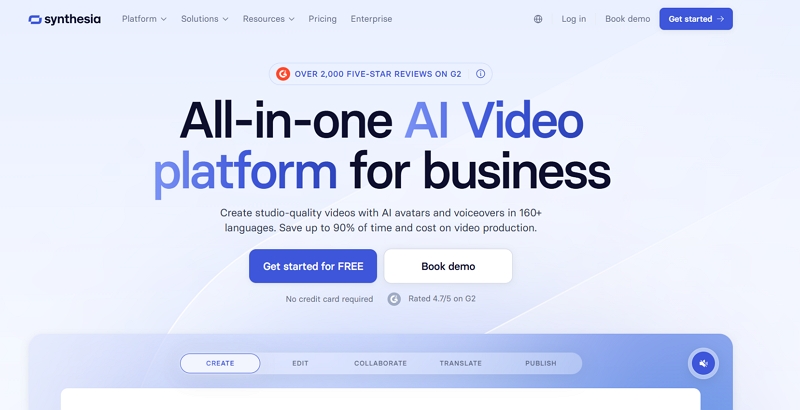
Synthesia is widely considered one of the best AI dubbing software options for presenter-led videos. It blends AI dubbing with lip-sync technology to translate videos across languages while keeping the speaker’s appearance and delivery natural.
Pros
- Automatic lip-sync keeps translated videos visually natural.
- Reduces costs by replacing translators and voice actors.
- Supports a broad selection of languages and regional speech accents.
- No on-camera talent required for avatar videos.
Cons
- Lip-sync may misalign in some languages occasionally.
- Advanced dubbing features require higher-tier subscriptions.
4. Maestra
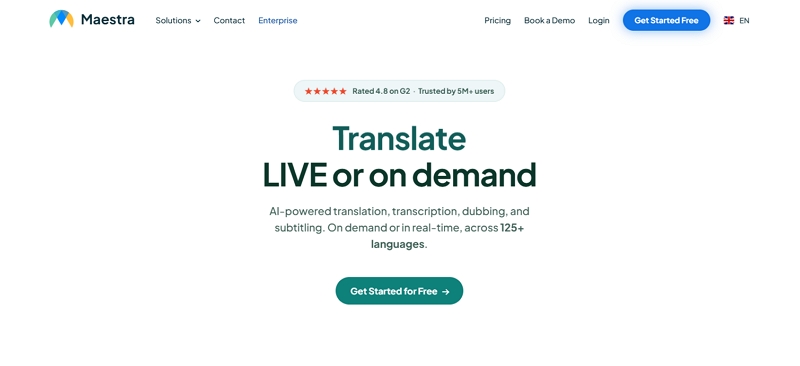
Maestra is a unified video dubbing software platform delivering transcription, translation, subtitles, and AI dubbing tools in one place. Voice cloning and extensive language support enable faster, more manageable multilingual video localization at scale.
Pros
- Supports dubbing and translation in 125+ languages.
- It accurately retains the original speaker’s voice identity through cloning.
- Handles transcription, dubbing, and subtitles within one streamlined workflow.
- Custom dictionaries improve translation and pronunciation accuracy.
Cons
- Voiceover timing often requires manual adjustments.
- Pricing can become expensive for large projects.
5. Dubverse
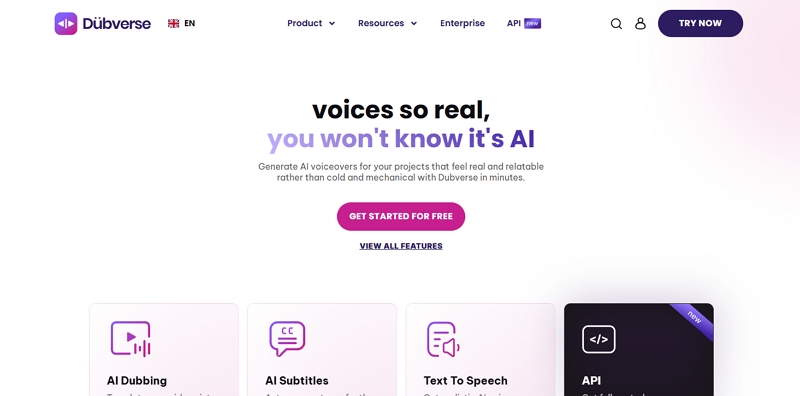
Lastly, we have Dubverse. Designed for rapid localization, it offers AI dubbing, multilingual subtitles, and customizable voice features. Its easy interface, extensive language options, and emotion control features place it among the best AI dubbing software for creators and marketers.
Pros
- Simple interface with URL and video upload support.
- Supports numerous languages, voices, and regional dialects.
- Customizable voices, emotions, and script adjustments available.
- Built-in subtitle generation and multilingual export features.
Cons
- Lip-sync accuracy varies in fast-paced scenes.
- AI voices may sound unnatural in emotional scenes.
What We Learned After Testing These AI Dubbing Tools
Our multi-platform testing confirmed that every AI dubbing tool has limitations, with no perfect solution available. Each tool shines in different scenarios, making your workflow and localization goals key factors in choosing the right one.
1. The best voice is not always the most useful.
The most realistic voice quality doesn’t always equal the best overall tool.
For example, ElevenLabs delivered excellent voice quality and emotion, while other platforms provided faster workflows, stronger batch processing, and better project management for large-scale multilingual content.
2. Lip sync matters more for certain content.
The importance of lip sync depends on the content type. For talking-head videos, accurate mouth movements significantly improve viewer experience. For presentations and tutorials, voice clarity and accurate translation take priority over flawless visual synchronization.
3. Human editing is still part of the workflow.
AI dubbing automates key processes like translation and voice generation, but human validation is still important. Human review is still needed in most projects to ensure translation accuracy, proper timing, subtitle quality, and overall output refinement.
A typical workflow looks like this:
Original video → AI translation → Voice generation → Review and editing → Publish
The good news is that today’s AI dubbing tools greatly minimize manual effort in the workflow. Instead of replacing human review entirely, these tools help creators complete localization projects faster while maintaining acceptable quality standards.
How to Choose Video Dubbing Software Based on Your Content Type
Not all content requires the same level of dubbing performance. What works well for YouTube creators may not necessarily fit marketing teams or educators.
Here’s how to choose the right video dubbing software based on your primary use case.
1. YouTube/TikTok videos
For YouTube/TikTok creators, publishing speed and voice personality are often more important than perfect lip sync. The ideal tool should quickly generate multilingual versions while preserving the creator’s tone and speaking style, enabling global reach without slowing down publishing.
Recommended Dubbing Software: Mediaio Video Translator.
2. Marketing videos
Marketing content requires consistent brand messaging and a professional-sounding voice across every language version. For product demos, advertisements, and promotional videos, the tool must ensure accurate terminology translation and maintain a professional brand image.
Recommended Dubbing Software: Rask AI
3. Online courses
Educational content depends heavily on translation accuracy and clear pronunciation. Learners must be able to understand technical concepts, instructions, and key terminology without confusion, making clarity and consistency more important than advanced voice effects.
Recommended Dubbing Software: HeyGen Video Translate
4. Short dramas
Short dramas demand accurate speaker recognition, emotional voice performance, and synchronized character timing. The software should handle multiple speakers effectively while preserving emotions and ensuring conversations feel natural in the translated version.
Recommended Dubbing Software: Mediaio Video Translator
Final Verdict: Which Video Dubbing Software Should You Choose?
Selecting the right AI dubbing tool depends on your workflow, content type, and overall localization goals. From our practical testing, these are the top recommendations for various scenarios.
Best overall: Mediaio Video Translator
Best voice quality: ElevenLabs Dubbing
Best lip sync: HeyGen Video Translate
Best for creators: Descript
Best for businesses: Rask AI
No single video dubbing software fits every use case. Mediaio provides a complete localization workflow, ElevenLabs excels in voice realism, and Rask AI is best suited for large-scale multilingual projects. The best choice depends on your content type, workflow, and priorities, helping you create natural dubbed videos more efficiently and reach a wider audience.