


 Upgrade
Free Video Watermark Remover
Remove watermarks from your videos instantly with AI-powered technology. No software installation required.

Drag video here or click to upload
Supported formats: MP4, M4V, MOV
Who Uses Video Watermark Remover?
Our free watermark removal tool helps creators, marketers, and professionals achieve clean, professional-looking videos.

Content Creators
Remove stock footage watermarks to create professional YouTube, TikTok, and Instagram content without distracting marks.

Marketing Teams
Clean up promotional videos by removing unwanted watermarks from licensed footage for brand campaigns.

Educators & Students
Create clean educational materials by removing watermarks from video resources for presentations.

Filmmakers
Professional video editing made easy. Remove unwanted watermarks from B-roll footage seamlessly.
Remove Watermarks From Any Video
Powerful AI technology designed specifically for removing watermarks from videos with precision.
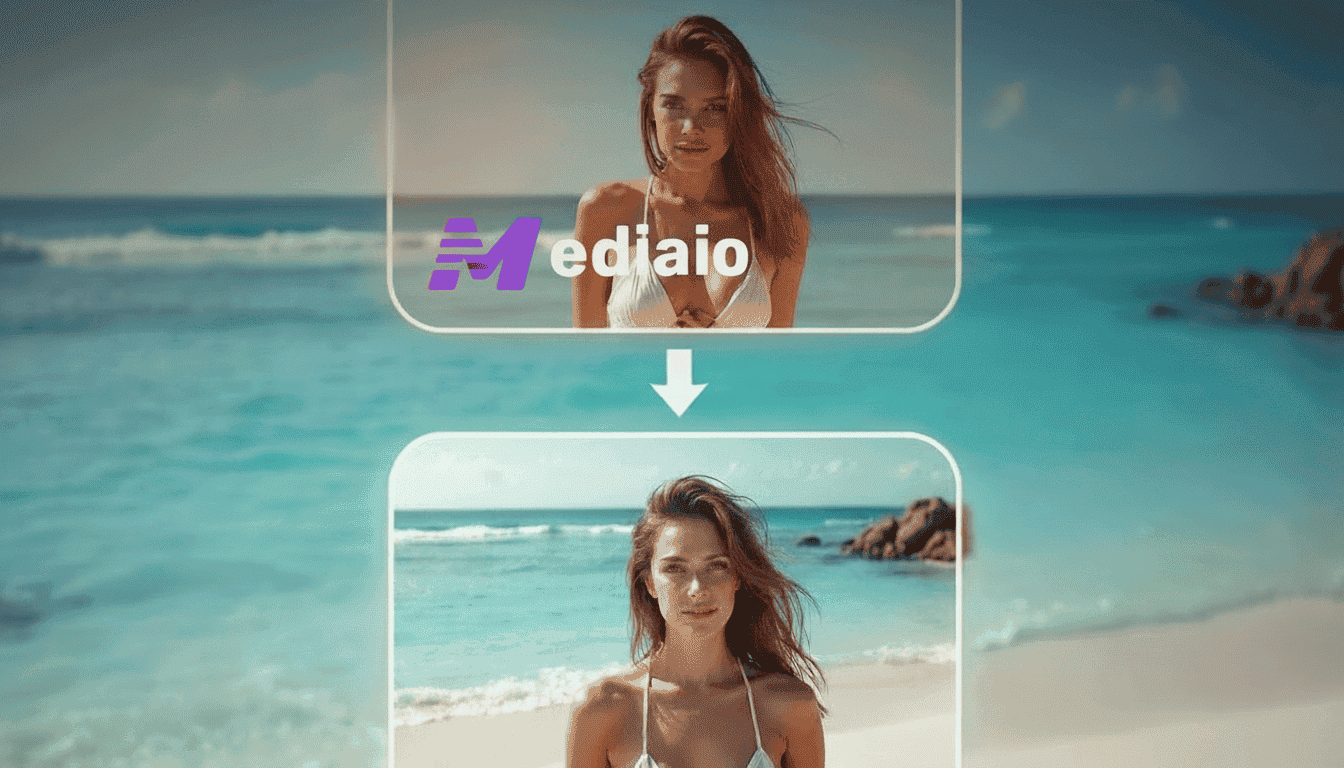
AI-Powered Watermark Detection
Our advanced AI automatically detects watermarks in your videos, making the removal process quick and effortless. Seamless automatic watermark removal - the algorithm identifies watermarks of any size, opacity, or position within seconds.
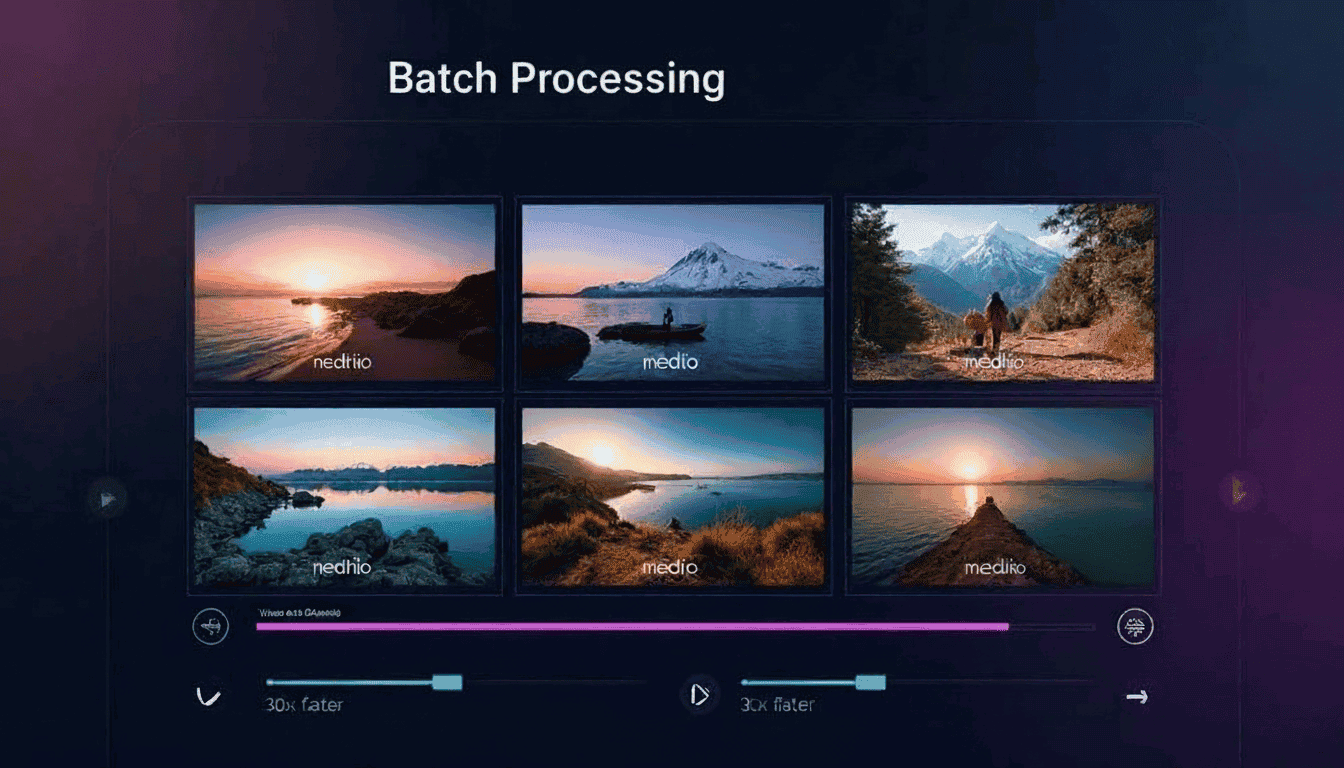
Batch Processing for Multiple Videos
Remove watermarks from multiple videos simultaneously, saving you valuable time on large projects. Upload your entire video library and let our AI process them all at once with consistent quality.

Real-time Preview
See the watermark removal results in real-time before downloading your processed video. Fine-tune the removal area and preview changes instantly to ensure perfect results every time.

Smart Inpainting Technology
AI fills in the removed areas naturally, maintaining video quality and visual consistency. Our smart inpainting algorithm analyzes surrounding pixels to seamlessly reconstruct the background.

High-Quality Export
Export your watermark-free videos in the original resolution with no quality loss. Support for 4K, 1080p, and other popular formats ensures your videos look professional on any platform.
How to Remove Watermarks
Simple steps to remove unwanted elements from your videos
Upload Your Video
Drag and drop your video file or click to browse. Supports MP4, M4V, and MOV formats up to 500MB.
Select Watermark Area
Use our intuitive selection tool to mark the watermark you want to remove from your video.
Preview & Download
Our AI removes the watermark instantly. Preview and download your clean video in high quality.
Why Choose Mediaio Video Remover
Trusted by millions of users worldwide for professional video editing

Lightning Fast Processing
Advanced AI algorithms ensure quick processing without compromising quality.

100% Privacy Guaranteed
Your videos are processed securely and automatically deleted after processing.

Works in Any Browser
No software installation required. Works directly in Chrome, Firefox, Safari, and Edge.

Real-time Preview
See the results instantly before downloading your processed video.

AI-Powered Precision
Smart detection technology accurately identifies and removes unwanted elements.

Free to Use
Get started with our free tier. No credit card required to begin editing.
What Our Users Say
Join thousands of satisfied users who trust Mediaio for their video editing needs
"This free video watermark remover saved me hours of editing time. The AI detection is incredibly accurate!"
"We use Mediaio for all our promotional videos. The quality of watermark removal is impressive and professional."
"Finally a reliable tool to remove watermarks from stock footage. Works perfectly every time!"
More Video Editing Tools
Need to remove other elements? Check out our complete suite of AI-powered video tools.

Remove Logo from Video
Erase logos and brand marks from your videos seamlessly with AI technology.

Remove Text from Video
Delete text overlays, timestamps, and captions from video footage effortlessly.

Remove Object from Video
AI-powered object removal tool to erase any unwanted elements from your videos.

Remove Subtitles from Video
Clean up hardcoded subtitles and captions from video files with precision.