


 Upgrade
Remove Object from Video
Erase any unwanted objects, people, or elements from your videos using powerful AI technology.

Drag video here or click to upload
Supported formats: MP4, M4V, MOV
Object Removal Use Cases
From film production to real estate videos, our AI handles any object removal challenge.

Filmmakers & Directors
Remove unwanted objects, people, or accidentally appeared elements in the background of your footage.

Real Estate Agents
Clean up property tour videos by removing personal items, clutter, or unwanted furniture from scenes.

Product Videographers
Remove distracting background elements to make your professional product demonstration videos.

Vloggers & Influencers
Remove accidental objects, photo bombers, or anything that shouldn’t be in your content.
Seamlessly Remove Objects From Any Video
Professional-grade AI tools for removing any unwanted elements from your video content.
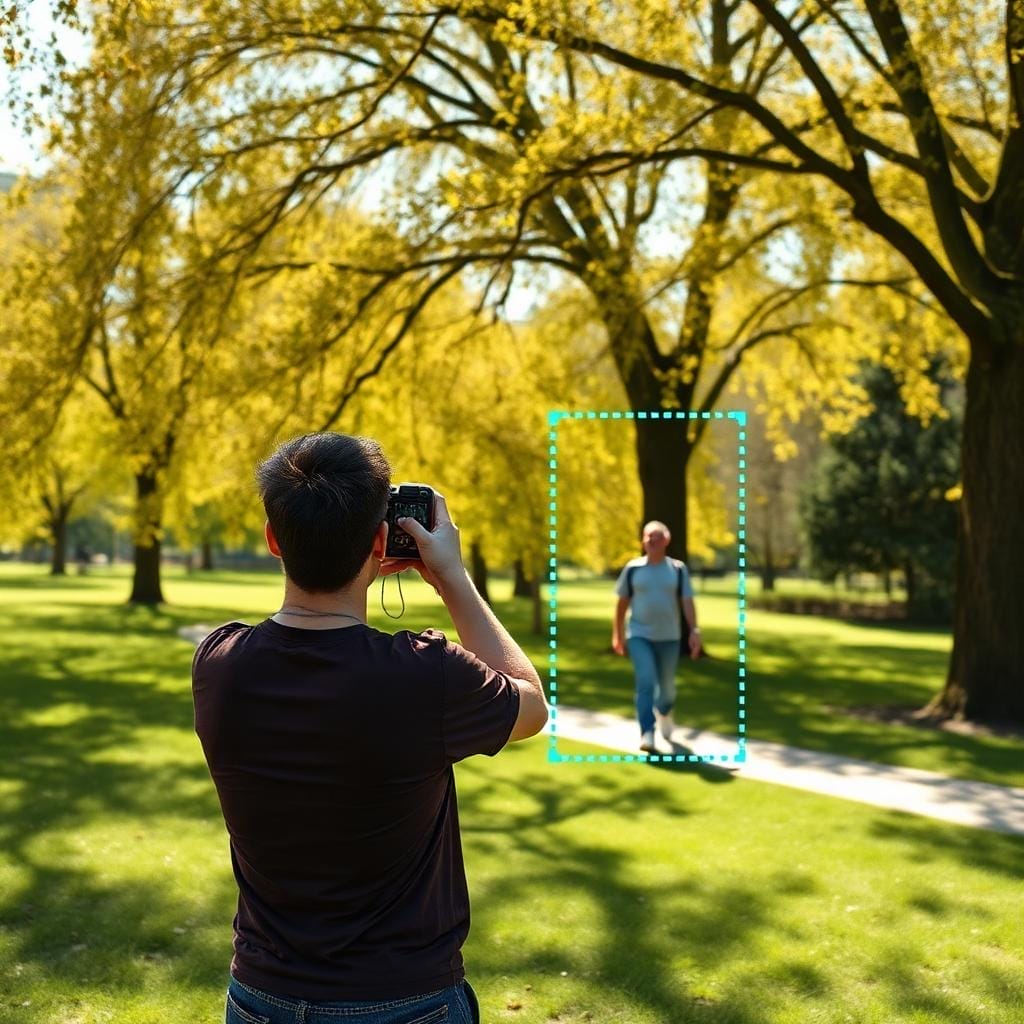
Precision Object Selection
Use brush or lasso tools to precisely select any object you want to remove from your video. Our intuitive selection interface makes it easy to mark complex shapes and moving elements with accuracy.

AI Object Tracking
Our AI tracks moving objects across frames for consistent removal throughout the video. Once you select an object in one frame, the algorithm follows it automatically through the entire clip.

Dynamic Background Fill
Intelligent algorithms fill removed areas with realistic background content that matches the scene. The AI analyzes surrounding frames to reconstruct what was behind the object naturally.

Real-time Processing Preview
See preview results instantly to fine-tune your object selection before final processing. Adjust your selection and watch the removal happen in real time for perfect results.

HD Output Support
Export your cleaned video in HD resolution maintaining original visual quality. Every pixel is preserved except for the unwanted objects, ensuring broadcast-quality results.
How to Remove Objects
Simple steps to remove unwanted elements from your videos
Upload Video
Upload a video containing objects you want to remove. Supports MP4, MOV, up to 500MB.
Select Objects
Use our selection tools to mark the objects you want to remove from your video.
Preview & Download
Our AI removes the objects instantly. Preview and download your clean video in High quality.
Why Choose Mediaio Video Remover
Trusted by millions of users worldwide for professional video editing

Lightning Fast Processing
Advanced AI algorithms enable quick processing without compromising quality.

100% Privacy Guaranteed
Your videos are encrypted and automatically deleted after processing.

Works in Any Browser
No software installation required. Works directly in Chrome, Firefox, Safari, and Edge.

Real-time Preview
See the results instantly before downloading your processed video.

AI-Powered Precision
Smart detection technology accurately identifies and removes unwanted elements.

Free to Use
Get started with our free tier, no credit card required to begin editing.
What Our Users Say
Join thousands of satisfied users who trust Mediaio for their video editing needs
"Removed an entire crew member who accidentally walked into frame. The result was completely seamless!"
"I can now deliver perfect property videos by removing personal items clients forgot to hide."
"The object removal is incredible. Saved me from having to reshoot entire scenes multiple times."
More Removal Tools
Need to remove subtitles or other elements? Explore our complete video editing toolkit.

Remove Watermark from Video
Free tool to remove watermarks from your videos. Easily perfect for removing annoying stock footage logos.

Remove Logo from Video
Remove logos and brand marks from your videos seamlessly with AI technology.

Remove Text from Video
Delete text overlays, timestamps, and captions from video footage effortlessly.

Remove Subtitles from Video
Remove video files with subtitles and captions.