


Remove Subtitles from Video
Remove hardcoded subtitles and captions from your videos with AI-powered precision.
Drag video here or click to upload
Supported formats: MP4, M4V, MOV

Selected video
0 MB

Subtitle Removal Use Cases
Perfect for localization, distribution, and content restoration - remove captions from video effortlessly.

Translation Teams
Remove hardcoded subtitles and captions to prepare videos for new language dubbing or subtitle tracks.

Film Distributors
Clean up movies with burned-in subtitles for international distribution with new caption options.

Streaming Platforms
Remove embedded captions from video content to implement dynamic subtitle switching features.

Content Archivists
Restore and clean historical footage by removing outdated or damaged subtitle overlays.
Seamlessly Remove Subtitles From Any Video
Professional tools to remove captions from video and restore clean footage for any purpose.

Hardcoded Subtitle Detection
AI automatically identifies burned-in subtitles and captions regardless of font, size, or positioning. Our algorithm recognizes subtitle patterns even in complex video scenes with varying backgrounds.

Caption Area Recognition
Smart detection recognizes subtitle regions even with varying backgrounds and complex scenes. The AI identifies the caption zone and tracks it throughout the video for consistent removal.
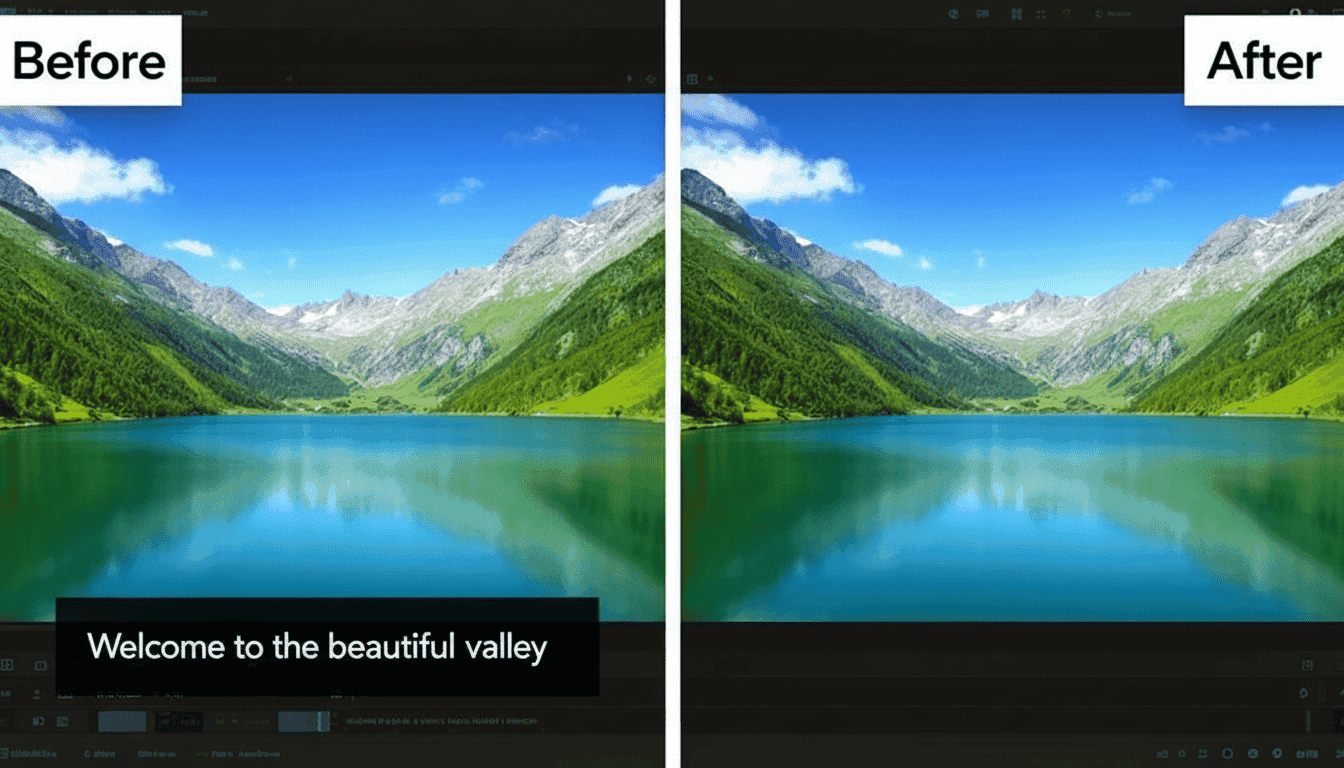
Clean Background Restoration
Remove captions from video and restore the original background with seamless inpainting. Our AI reconstructs what was behind the subtitles, creating a clean, professional result.
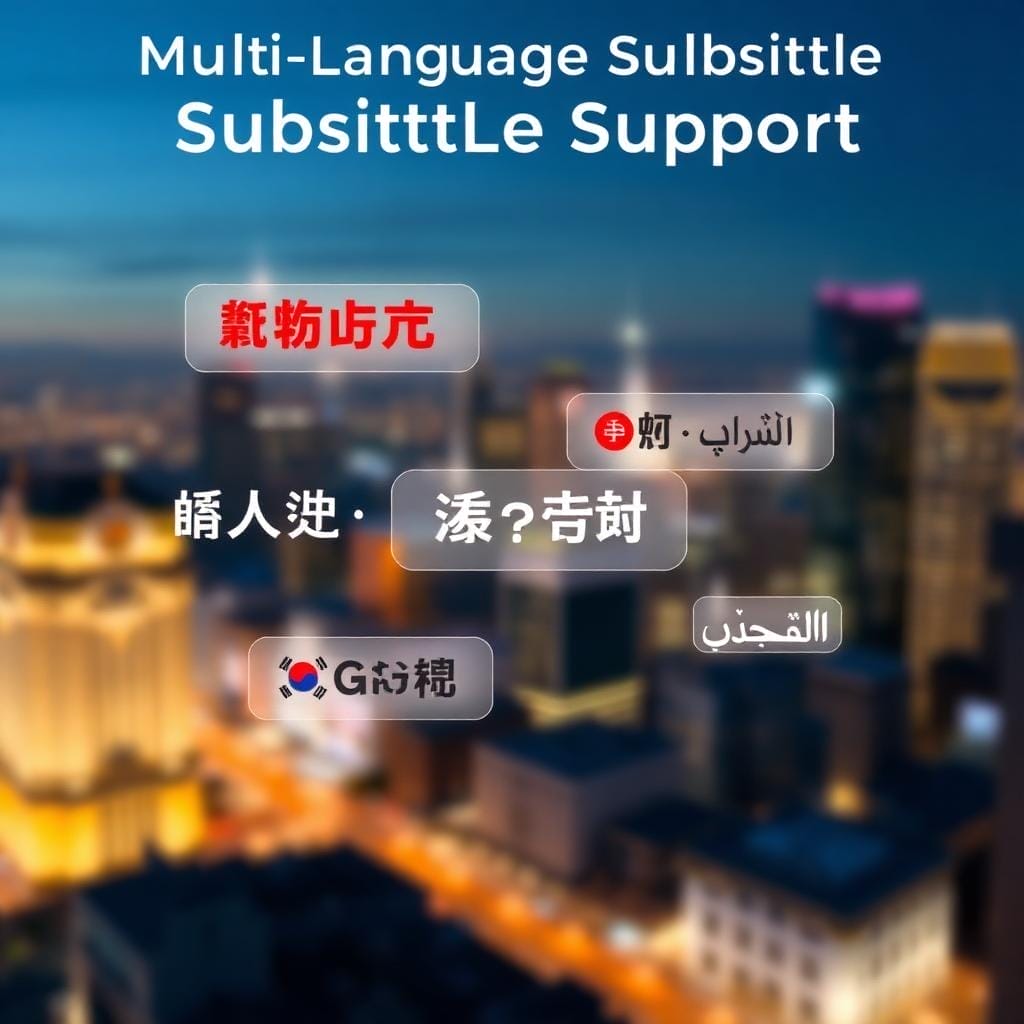
Multi-Language Support
Works with subtitles in any language including Asian characters, Arabic, and special fonts. Whether it's Chinese, Japanese, Korean, or RTL languages, our AI handles them all perfectly.
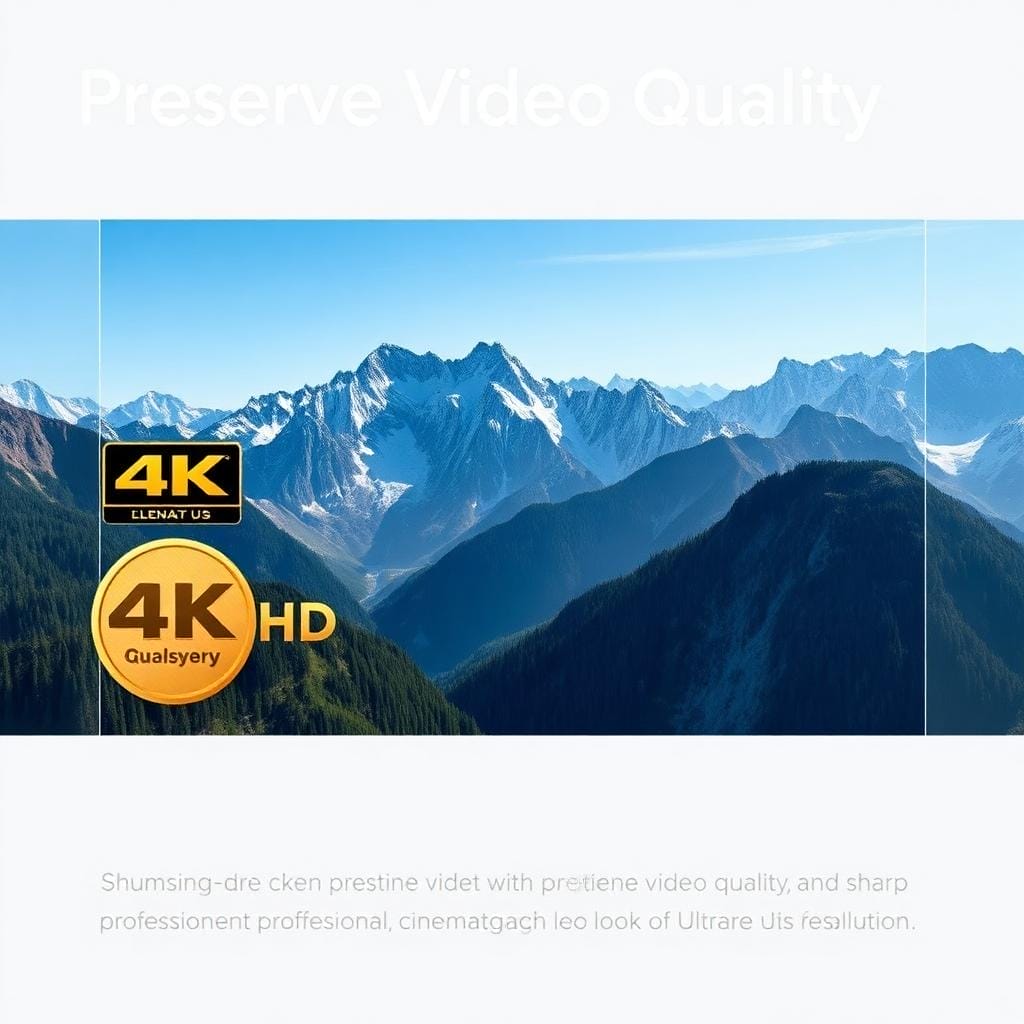
Preserve Video Quality
Remove subtitles while maintaining the original video resolution and visual fidelity. Your exported video keeps all its quality, ready for new subtitle tracks or clean distribution.
How to Remove Subtitles
Simple steps to remove unwanted elements from your videos
Why Choose MedVioo Video Remover
Trusted by millions of users worldwide for professional video editing

Lightning Fast Processing
Advanced AI algorithms ensure quick processing without compromising quality.

100% Privacy Guaranteed
Your videos are processed securely and automatically deleted after processing.

Works in Any Browser
No software installation required. Works directly in Chrome, Firefox, Safari, and Edge.

Real-time Preview
See the results instantly before downloading your processed video.

AI-Powered Precision
Smart detection technology accurately identifies and removes unwanted elements.

Free to Use
Get started with our free tier. No credit card required to begin editing.
What Our Users Say
Join thousands of satisfied users who trust MedVioo for their video editing needs

"We process hundreds of videos for international markets. Removing hardcoded subtitles used to be impossible until MedVioo!"
"Finally we can offer clean video masters for different regional subtitle tracks. Game-changing tool!"
"The caption removal is flawless. Even complex scenes with moving backgrounds come out perfectly clean."
Other Removal Tools
Need to remove text overlays or watermarks? Explore our complete video editing suite.

 Free tool to remove watermarks from videos online. Perfect for cleaning up stock footage.
Remove Logo from Video
Free tool to remove watermarks from videos online. Perfect for cleaning up stock footage.
Remove Logo from Video
 Erase logos and brand marks from your videos seamlessly with AI technology.
Remove Text from Video
Erase logos and brand marks from your videos seamlessly with AI technology.
Remove Text from Video
 Delete text overlays, timestamps, and captions from video footage effortlessly.
Remove Object from Video
AI-powered object removal tool to erase any unwanted elements from your videos.
Delete text overlays, timestamps, and captions from video footage effortlessly.
Remove Object from Video
AI-powered object removal tool to erase any unwanted elements from your videos.