


Remove Logo from Video
Erase logos, brand marks, and channel watermarks from your videos using advanced AI technology.
Drag video here or click to upload
Supported formats: MP4, M4V, MOV

Selected video
0 MB

Perfect for Logo Removal
Whether you're rebranding content or cleaning up footage, our AI tool makes logo removal seamless.

Brand Managers
Remove competitor logos from reference videos or update outdated brand elements in promotional content.

Broadcast Editors
Clean up footage for broadcasting by removing channel logos and network watermarks professionally.

Video Producers
Remove sponsor logos from archived footage to repurpose content for new campaigns and projects.

E-commerce Sellers
Remove manufacturer logos from product videos to create custom branded content for your store.
Seamlessly Remove Logos From Any Video
State-of-the-art AI technology for professional-grade logo removal from any video content.
Precise Logo Detection
AI accurately identifies and targets logos of any size, color, or complexity in your video frames. Whether it's a small corner watermark or a large centered brand mark, our algorithm detects it instantly.
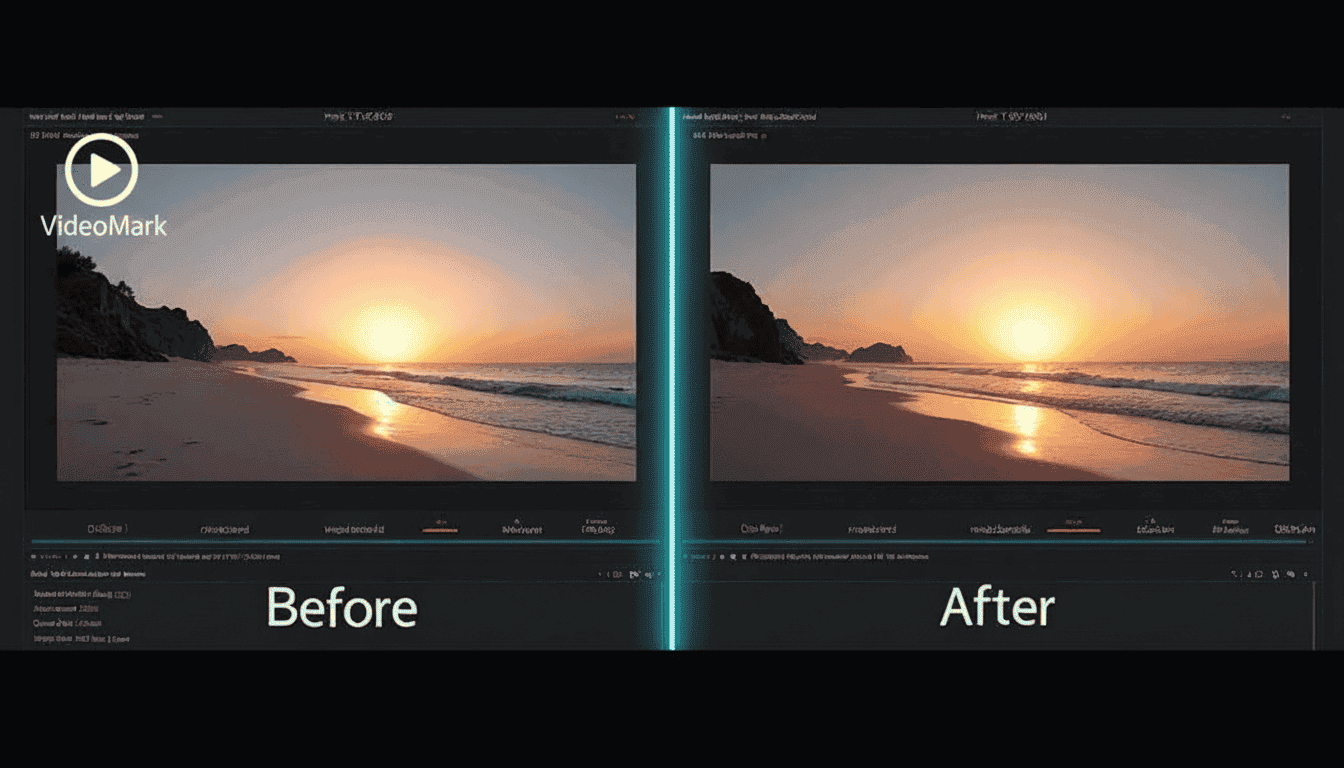
Seamless Logo Removal
Advanced inpainting technology removes logos without leaving traces or artifacts in the footage. The AI reconstructs the background perfectly, making it impossible to tell a logo was ever there.
Multi-Logo Support
Remove multiple logos from a single video in one processing session for maximum efficiency. Perfect for videos with multiple watermarks, channel logos, and brand elements that need cleaning.
Frame-by-Frame Tracking
Smart tracking follows moving logos throughout the video, ensuring consistent removal across all frames. Even if the logo moves, rotates, or changes size, our AI maintains perfect tracking.

Lossless Output Quality
Export your logo-free video in original quality with support for 4K resolution and beyond. We preserve every detail of your original footage while removing only the unwanted logos.
How to Remove Logos
Simple steps to remove unwanted elements from your videos
Why Choose MedVioo Video Remover
Trusted by millions of users worldwide for professional video editing

Lightning Fast Processing
Advanced AI algorithms ensure quick processing without compromising quality.

100% Privacy Guaranteed
Your videos are processed securely and automatically deleted after processing.

Works in Any Browser
No software installation required. Works directly in Chrome, Firefox, Safari, and Edge.

Real-time Preview
See the results instantly before downloading your processed video.

AI-Powered Precision
Smart detection technology accurately identifies and removes unwanted elements.

Free to Use
Get started with our free tier. No credit card required to begin editing.
What Our Users Say
Join thousands of satisfied users who trust MedVioo for their video editing needs

"Removing logos from video has never been easier. MedVioo handles even complex animated logos perfectly."
"We needed to update old promotional videos with new branding. This tool made it incredibly simple!"
"The logo removal quality is outstanding. You can't even tell where the original logo was."
Related Video Tools
Explore more AI-powered tools to perfect your video content.
 Free tool to remove watermarks from your videos. Easily perfect for removing annoying stock footage logos.
Remove Text from Video
Free tool to remove watermarks from your videos. Easily perfect for removing annoying stock footage logos.
Remove Text from Video
 Delete text overlays, timestamps, and captions from video footage effortlessly.
Remove Object from Video
Delete text overlays, timestamps, and captions from video footage effortlessly.
Remove Object from Video
 AI-powered element removal tool to erase any unwanted elements from your videos with precision.
Remove Subtitles from Video
AI-powered element removal tool to erase any unwanted elements from your videos with precision.
Remove Subtitles from Video
 Remove video files with subtitles and captions.